Auto-zoom
Zooms in on every click and eases out very smoothly. In a 3-hour class, not one zoom by hand.
A screen recorder + editor for teachers and course creators. Smooth zoom, shortcut keycaps, chapters, Hindi captions and mistake cuts are ready the moment you stop recording. Works with DaVinci Resolve, your browser, Notion, Audacity and any other app you teach in.
● The clip above and every screenshot below come from the real Screenlark app, not a mockup. DaVinci Resolve, Chrome, Notion and Audacity are trademarks of their owners and are shown only to demonstrate recordings.
* Measured on our test PC: RTX 2060, 3440×1440 ultrawide, Windows 10, Sep 2026. Your PC may differ.
Every course creator’s timeline looks like this. The red clips are work that goes into enduring, not teaching.
Every red clip has a button in the app. Here’s how.
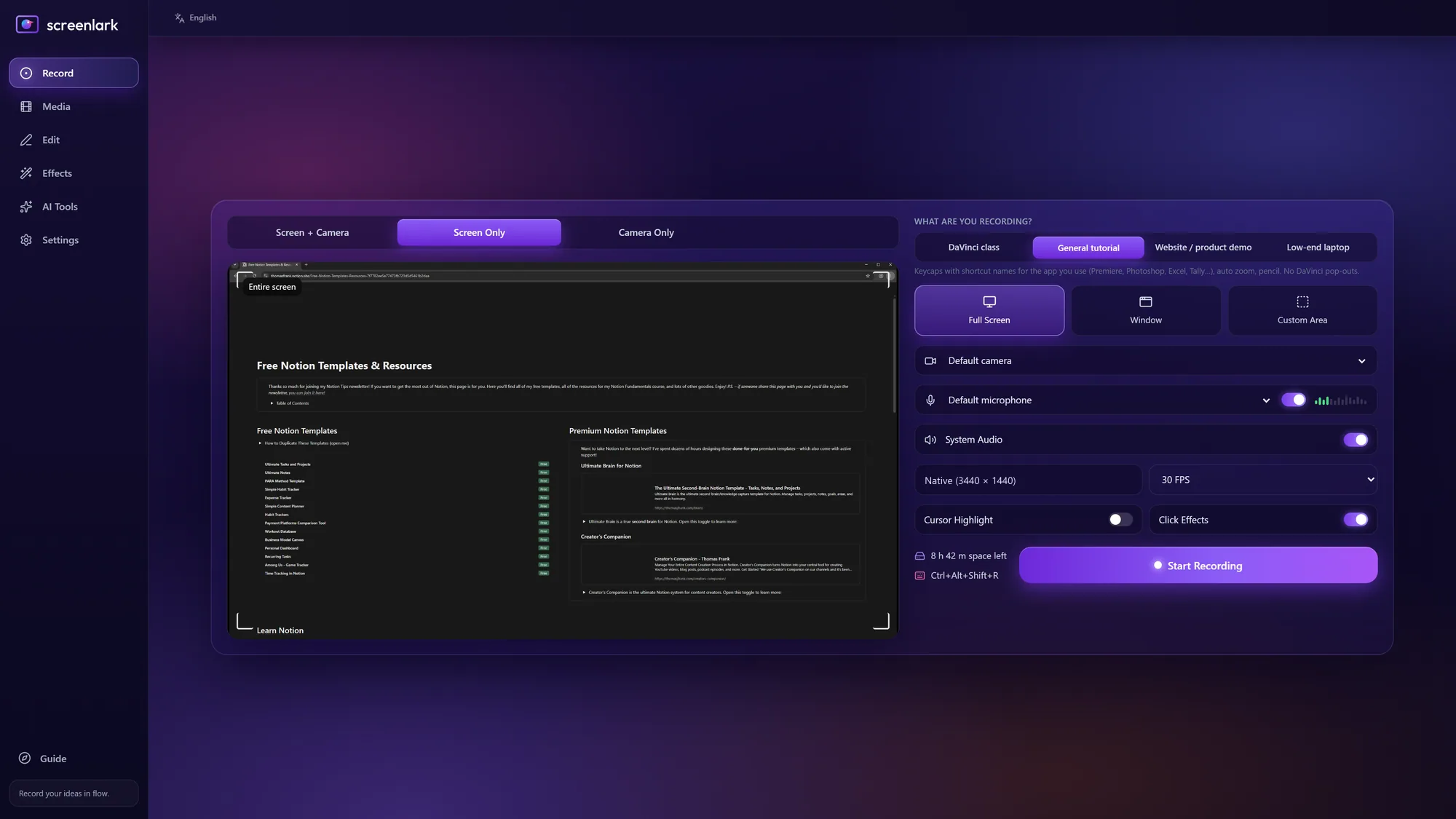
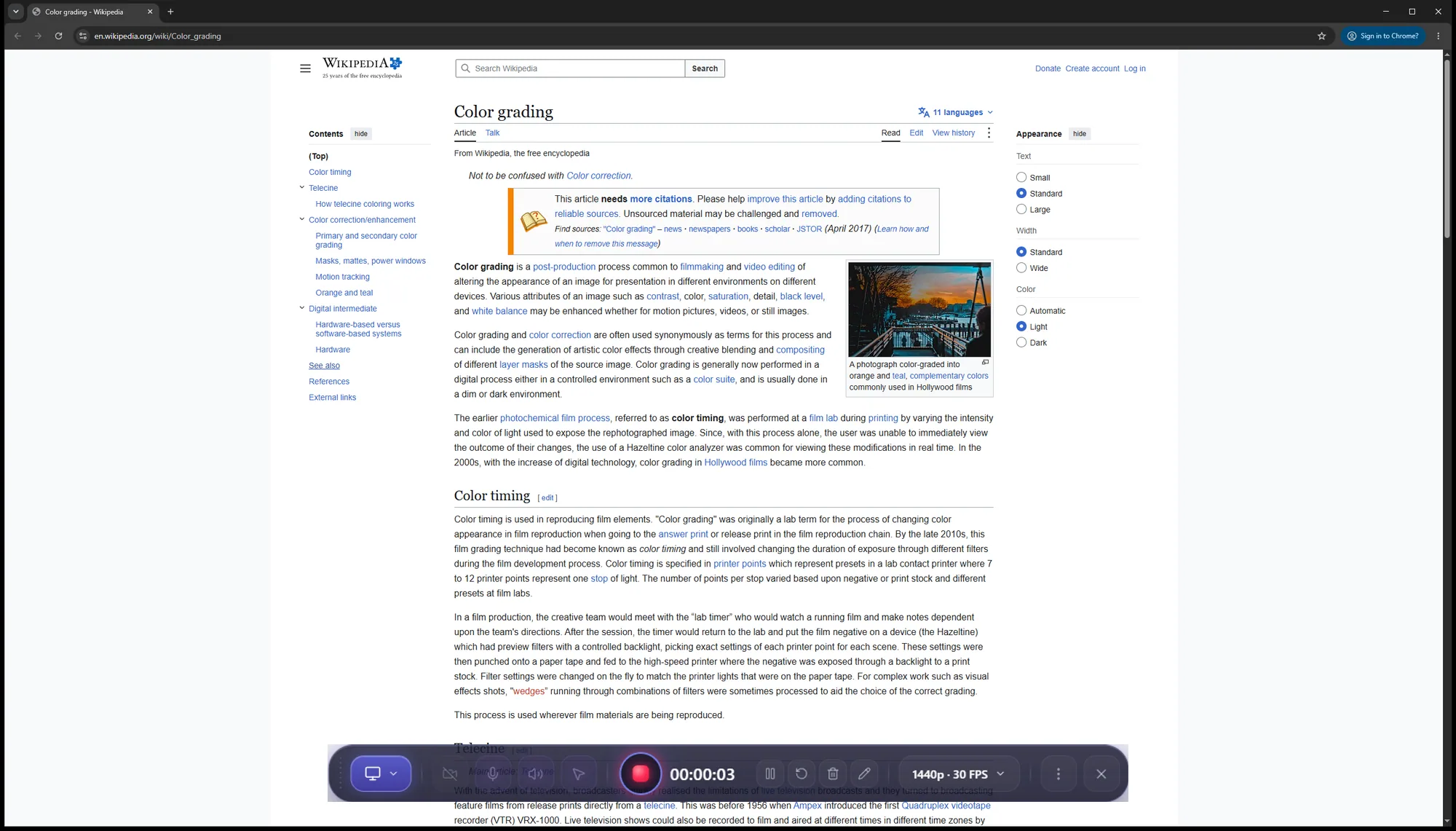
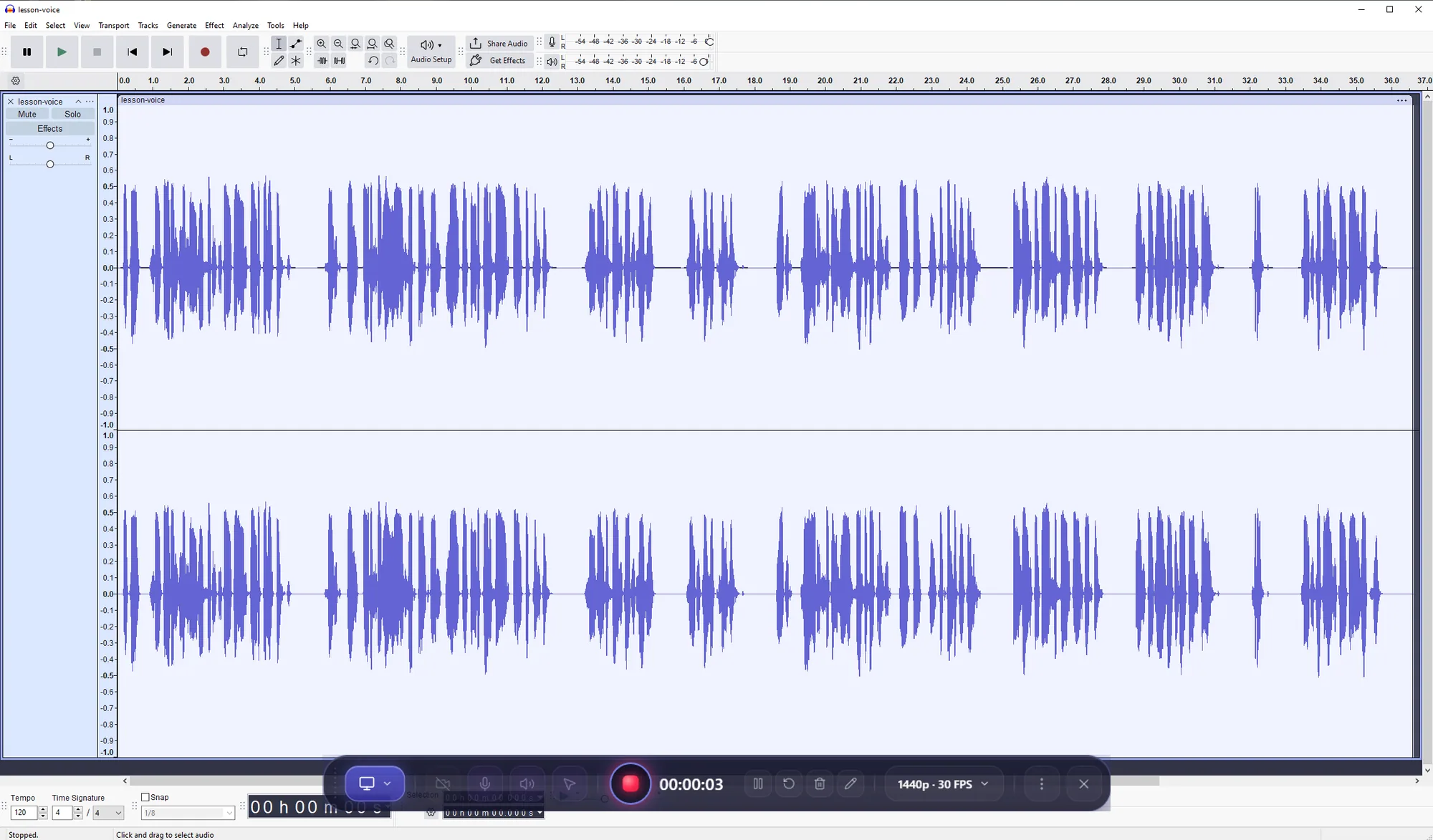
Students see what the key does, not just the key. Screenlark recognises the app in front and shows the right name. In any other app (Chrome, Notion, Audacity…) the shortcut still appears, and you can name any shortcut yourself. Pick an app:
Pick an app, then drag the slider. Left: the raw screen recording. Right: the Screenlark export with click-zoom, a shortcut keycap and a gradient frame. Not one setting was changed by hand.
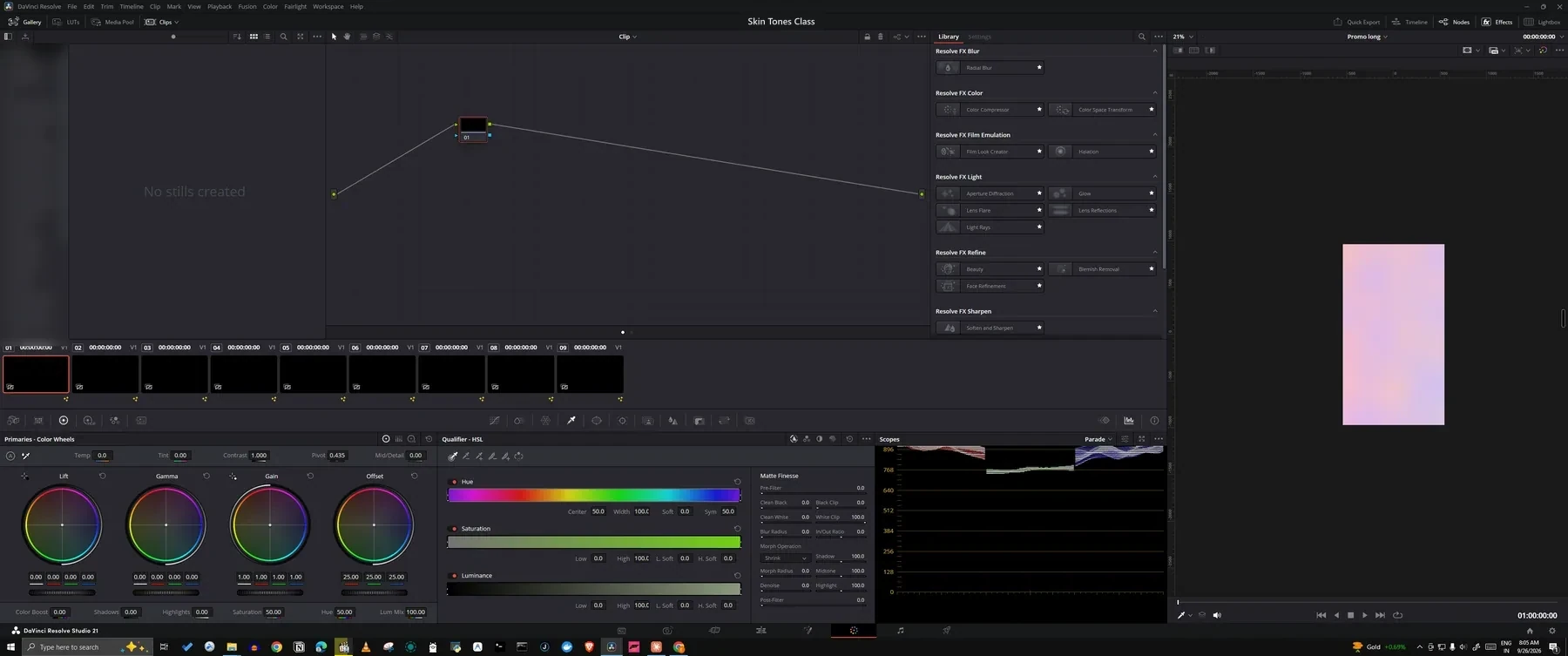
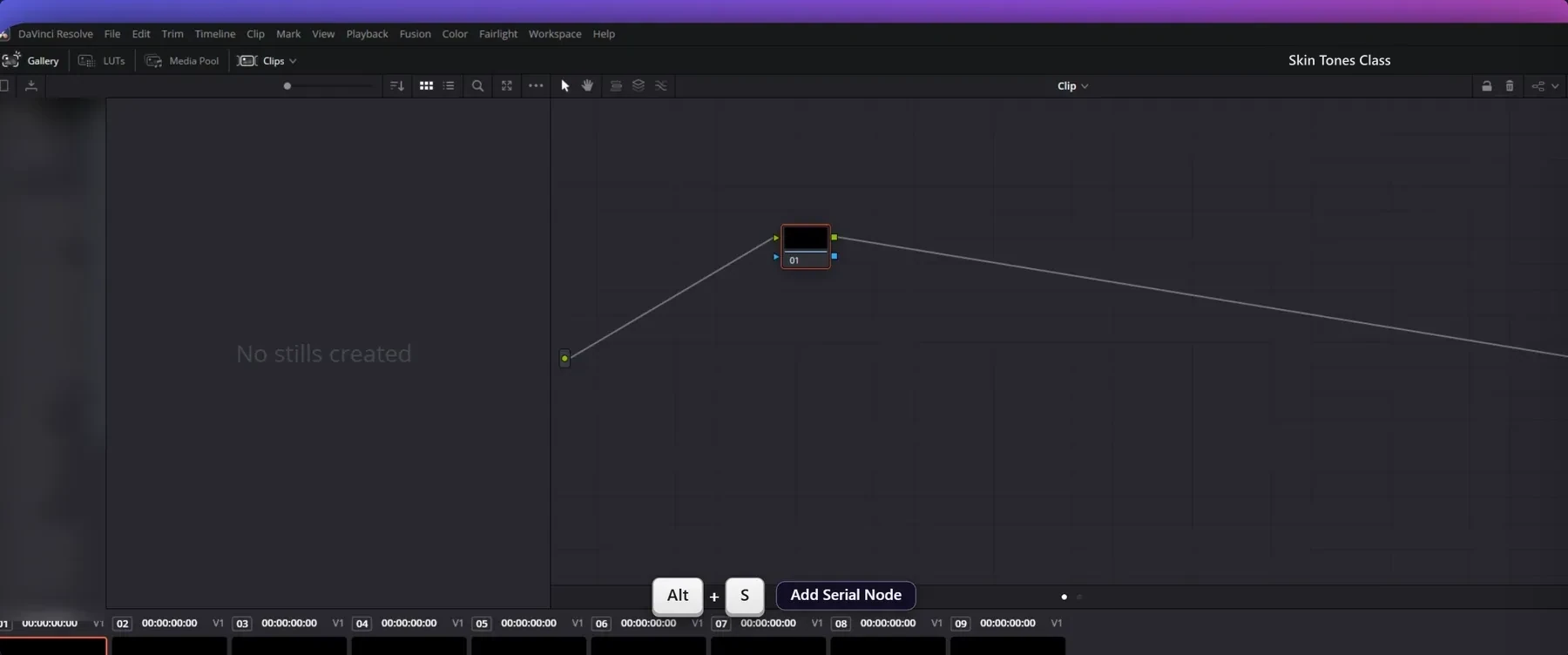 Before · rawScreenlark export
Colour-grading class: Resolve shortcuts show with their names (Alt+S · Add Serial Node) and the node graph is zoomed to where you click.
Six things teachers notice first. The other 31 are one click below.
Zooms in on every click and eases out very smoothly. In a 3-hour class, not one zoom by hand.
Alt+S shows “Add Serial Node” beside it. Recognises 11 apps.
Captions for a 24-min class in about 97 seconds, on your PC, offline. Roman or Devanagari.
Mark a mistake with a hotkey while recording. Cut it with one click in the editor.
Power cut or app crash? The recording survives and opens as “Recording recovered”.
.fcpxml + markers + .srt straight into Resolve, no render needed.
The video is written in a crash-safe format. Cursor, clicks, keys and markers are saved to disk every 2 seconds. Next time you open the app: “Recording recovered”.
Give every student a copy watermarked with their name or code. Leak on Telegram? The code tells you who shared it.
Before you upload: resolution, aspect, length, captions, loudness.
A PDF with steps, screenshots and a shortcuts table for students. One video per chapter, each with its own .srt.
I teach DaVinci Resolve colour grading and record 1–3 hour classes. Screenlark started from my own pain: the crash fear, hunting mistakes, zooming by hand, typing Hindi subtitles. Every feature here came from a real class.— The teacher who built Screenlark · beta feedback comes straight to me
We are opening the beta to the first teachers. Tell us what breaks, and what you want next.
| Screenlark | Screen Studio | Camtasia | Loom | OBS | |
|---|---|---|---|---|---|
| Windows | ✓ (beta) | Mac only | ✓ | ✓ | ✓ |
| Price | First month free, then paid | $20/mo ($9/mo yearly) | ₹4,175–₹29,999 per year | Free: 5 min, 720p. Business $18/mo | Free |
| Stays on your PC (no cloud) | ✓ | ✓ + share links | ✓ | Cloud-first | ✓ |
| Auto zoom | ✓ | ✓ | Cursor effects | — | — |
| Built-in editor | ✓ | ✓ | ✓ | Basic, in cloud | — |
| Hindi captions | ✓ on your PC, offline | Local transcription | ✓ Hindi listed | ✓ Hindi listed | — |
| DaVinci Resolve timeline (.fcpxml) | ✓ | — | — | — | — |
| Mistake markers → one-click cut | ✓ | — | — | — | — |
| Named watermark copies per student | ✓ | — | — | — | — |
Compared from each product’s public pricing and help pages, checked 29 Sep 2026. “—” means we did not find it documented, not proof that it is impossible. Prices change, so please check the latest. Camtasia and Loom are good tools; Screenlark is built for one job, recording classes.
During the beta, yes: the first month is fully free, with no watermark. After that a paid plan starts. Beta teachers hear the price first and get a founding price.
No. Recording, captions, silence cleanup all run on your PC. No account, no upload. The only downloads are the caption models you choose to install.
There is a “Low-end laptop” profile. With an NVIDIA card, NVENC makes recording and export faster. Without one, the software encoder starts on its own.
Windows 10/11 is ready now. The Mac version is being tested. Choose “Mac” in the beta form and you will hear first.
No. Shortcut names also show for Premiere, After Effects, Photoshop, Blender, Excel, VS Code, Figma, TallyPrime and more. There are website-demo and general-tutorial profiles too. See the DaVinci, Chrome, Notion and Audacity pages for details.
Recordings, captions and projects stay on your PC. The website only stores the email you give for the beta. Read the privacy policy.
Join the first teachers’ beta. We will email you the installer and a short start guide.
Windows 10 / 11 · macOS soon · The email is used only for beta updates. Privacy policy